Hi All,
**If this page is in need of review, please use the “contact us” link to let us know. Out of date information is frustrating for all.** IF you have Thunderbird (mail client), and want a local calendar that is synced to the website, you can.
The process should be similar for Outlook Express, but this definitely works for Thunderbird.
On thunderbird, once completed, it will update your local version of the calendar with any changes that have been made to the website every time you open your mail.
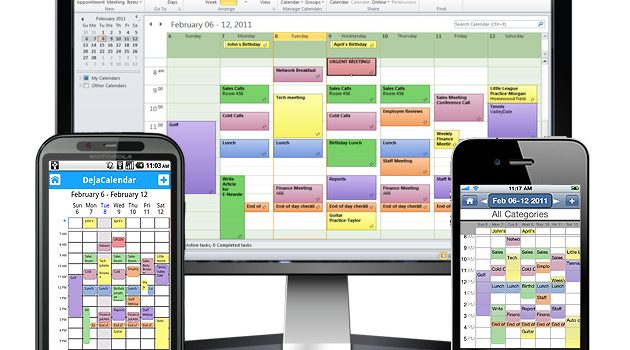
This should work for any calendar application with “iCal” import. This means members can carry our calendar on their handheld “offline” if they choose, which is more handy for reference than you might imagine.
Android, windows, mac, the work of our committee is “in hand”.
All event bookings still need to be done online, but how great is that?
Here is a link to Mac specific directions >> Directions
I’ve “produced” an amateurish guide for Thunderbird. The link is here >> Thunderbird Calendar Import << and written instructions are below.
Mike R
How to Sync a Thunderbird Calendar Online
The open source Thunderbird email client–developed by Mozilla, the maker of the Firefox web browser–does not come with a calendar application. By adding the Lightning extension, users can integrate the Mozilla-developed Sunbird calendar program with Thunderbird. The focus of Lightning is to integrate web-based calendars into the Thunderbird interface and to extend the functionality of email to include scheduling and task management. By using Lightning, you can sync a Thunderbird calendar online with Google, Yahoo! or Windows Live.
Install Lightning Extension
Launch Thunderbird.
Select “Tools,” then “Add-ons.” (the hamburger menu top right will get you to Add ons)
Search “Lightning.”
Click “Add to Thunderbird” and restart the program to enable the extension.
Calendar Sync – www.areacommittees.org
Launch Thunderbird.
Select “File,” then “New” and then “Calendar.” (or Mac specific directions >> Directions)
Select “On the Network,” then click “Next.”
Select “iCalendar (ICS)” and then paste: https://areacommittees.cometgold.com/events.ics
Click “Next.”
Enter a name, and select a color for the calendar, then click “Next”, and “Finish.”
Et Voila!!!